


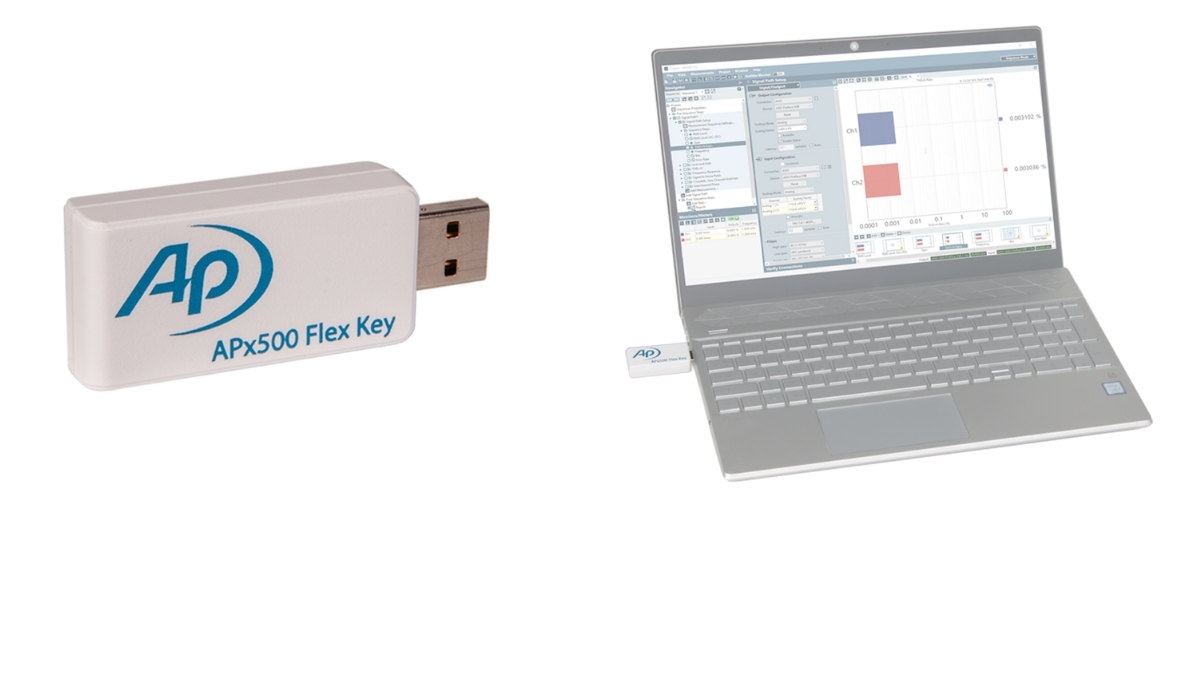
The APx500 Flex audio analyzer—comprised of APx500 measurement software and an APx500 Flex Key—allows you to select the ASIO-capable audio interface of your choice to use along with AP’s versatile and powerful APx audio measurement software. Start with the measurement options you need now, with the freedom to add additional measurements as your test requirements evolve. The APx500 Flex brings AP innovations such as one-click measurements, code-free automation and sophisticated reporting to off-the-shelf audio interface hardware solutions.
Features
APx500 Flex is compatible with ASIO-capable audio interfaces. Choose the interface product that matches your budget and your application’s performance requirements.
APx500 Flex continues AP’s tradition of highly-configurable measurement solutions. Select measurement options based upon your test requirements, with the ability to purchase individual measurements or value-priced Flex Packs.
APx500 Flex Base Configuration
- 16 channel ASIO interface
- File Analysis
- Sequence Mode
- Input Signal Monitors (including FFT monitor)
- Level & Gain
- THD+N
- Loudspeaker Production Test (including Rub & Buzz)
- Stepped Frequency Sweep
- Pass / Fail Measurement
- Signal Acquisition Measurement
Additional measurements
Additional measurements, available either as individual options or as part of APx500 Flex Packs, are listed in the Options tab or the APx500 Flex audio analyzer datasheet.
Any ASIO-enabled audio interface should suffice with APx500 Flex. However, AP has thus far verified the compatibility of the audio interfaces listed below and configuration templates for these devices are included in APx500 software (v5.0.2 or later).
Guides for setting up Flex with one of these audio interfaces are also available (see Downloads tab). Each of these verified compatible interfaces offer quality analog I/O (<90 dB THD+N, 192 kHz SR) and stable drivers with consistent delay. Please contact the manufacturers, or their authorized resellers, for more information.
Danville Signal dspInstrument spDAQ, Echo AIO-A2, Echo AIO-SA, Lynx Aurora (n), Lynx E22, RME Fireface UC, RME Fireface 802
Software licensing for APx500 Flex is facilitated by the APx500 Flex Key. Move your measurement licenses from one computer to another simply by moving your APx500 Flex Key.
From a practical perspective, APx audio analyzers use a common software platform, making tests and results easier to share. All settings for a test are saved in a single project file, making it easy to replicate test setups between R&D and production facilities anywhere in the world.
Project files are compatible with APx500 Flex, B Series and legacy APx instruments and each project is self-contained—so there’s never any worry about dependencies or broken links. Users can even embed waveform files and images within a project file.
For sharing measurement results with customers, contract manufacturers or management, APx automatically generates rich graphic reports, with highlighted pass / fail limits and options to export as PDF, HTML, Excel, CSV, RTF or MATLAB files.
APx500 Audio Measurement Software
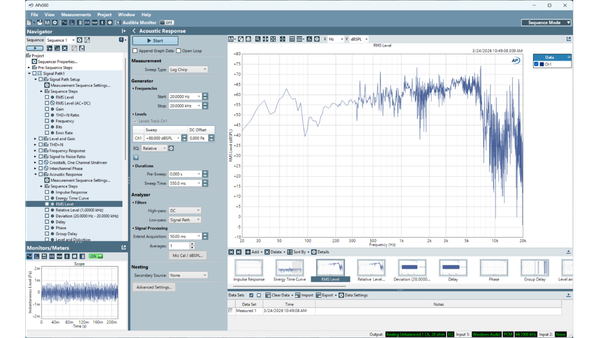
Scalable, Flexible Audio Software
The APx500 Measurement Software is the most advanced audio measurement interface available. Complex procedures that include user prompts, limits, and calls to external applications can be created directly in the GUI, saving time and money while ensuring painless updates over time and no development is required. AP offers a wide range of options tailored to specific applications, including: electro-acoustic testing, perceptual audio test, and speech intelligibility.
Benefits
• Built-in measurements
• Intuitive user interface
• Powerful automation features
• API integrations
• Subscription & perpetual license
Specifications & Requirements
Any ASIO-enabled audio interface should suffice with APx500 Flex. However, AP has thus far verified the compatibility of the audio interfaces listed below and configuration templates for these devices are included in APx500 software (v5.0.2 or later). Guides for setting up Flex with one of these audio interfaces are also available (see Downloads tab). Each of these verified compatible interfaces offer quality analog I/O (<90 dB THD+N, 192 kHz SR) and stable drivers with consistent delay. Please contact the manufacturers, or their authorized resellers, for more information.
- Danville Signal dspInstrument spDAQ
- Echo AIO-A2
- Echo AIO-SA
- Lynx Aurora (n)
- Lynx E22 RME
- Fireface UCX II
- RME Fireface 802
- Microsoft Windows 10 (64-bit) operating system.
- USB 2.0 or USB 3.0. Two are required for optional switcher or DCX-127 use.
- Intel i5 or better processor running at a clock speed of at least 2.5 GHz. AMD processors with similar specifications are also supported.
- At least 8 GB RAM. 16 GB is highly recommended.
- Internet connection or an USB Type A port (to access APx500 software for installation).
- At least 1.5 GB of free hard disk space. An SSD for the operating system drive is recommended.
- A color monitor and video card with at least SXGA (1280 X 1024) video graphics support. Video resolution of 1900 x 1080 or greater is recommended.
- More detailed information is available on our AP Software and Windows Compatibility chart
- System performance is sensitive to processor speed; faster processors will yield faster results.
- APx500 is data intensive and it is recommended that other data-intensive applications not be run concurrently. This includes Audio Precision AP2700, APWIN or ATS.